API keys / BytePlus
The video key
One BytePlus ModelArk key pays for every take on Seedance and every Art Dept frame on Seedream. Five steps, about fifteen minutes, most of it verification.
Two of the steps are where almost everyone stops. They are marked.
-
1
Create the account
Email and a card, both get checked. No company details for a personal account.
-
2
Create the key
API keys ↗ · ModelArk → API Key management → Create API Key
Any name. The key stays in the list behind the eye icon, readable whenever you need it — which also means anyone with your console can read it.

-
3
Put in $30
Billing ↗ · Add credits → Credits
Below $30 nothing switches on. A fresh key answers every request with “this model isn't enabled on your account yet”, and the reason is an empty balance, not the key. Credits never expire and go entirely on your own renders.

-
4
Enable the models
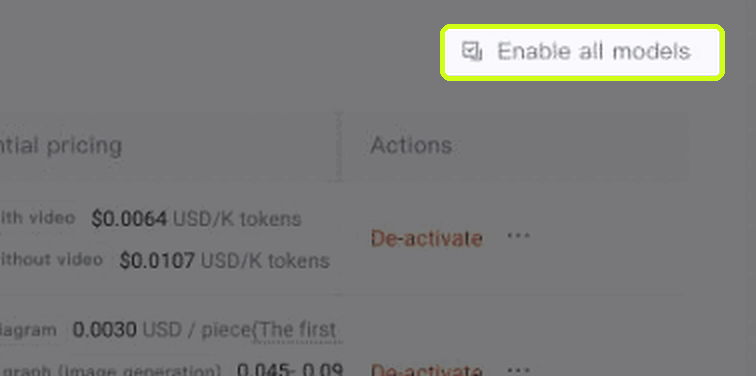
Model activation ↗ · Media tab → Enable all models, top right
Use that link. Left alone, the page opens on Chat, which lists language models only — Seedance and Seedream are not there at all. They live under Media. Activation is free; you pay for renders, never for switching a model on.

-
5
Paste the key and shoot a test
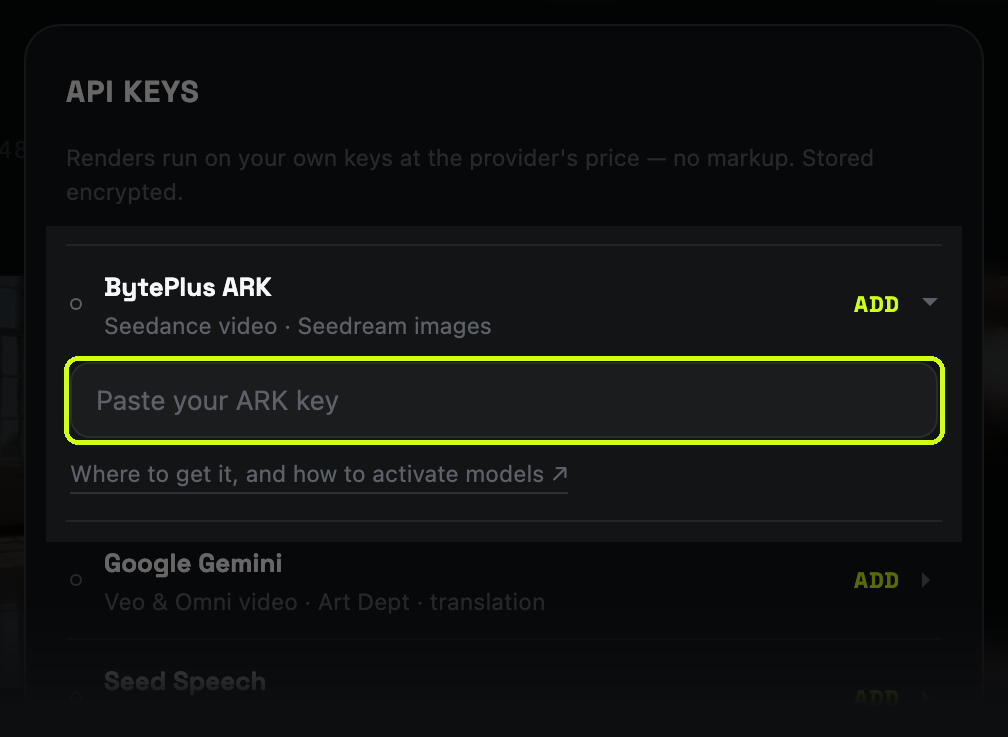
Studio ↗ · account menu → API keys → first field
Then a 5-second take at 480p on Seedance 2.0 Mini, no references. About $0.18 proves the whole chain — key, balance, activation — before you spend it on a scene you care about.
When something doesn't work
ModelNotOpenor “this model isn't enabled on your account yet”- The key is fine, the model is off. Step 4. If the activation button itself is unavailable, there is no $30 on the account yet: step 3.
401or “invalid API key”- A stray space in the key, or a key from a different BytePlus product. Voices use a separate Seed Speech key; the two reject each other.
- “Your model plan or balance is exhausted”
- Balance at zero. BytePlus suspends the service about two hours after it goes negative.
- Images render, video doesn't
- Seedream is on and Seedance isn't. Different models, different switches, same key.
- A reference photo is rejected as “may contain real person”
- Not the key. That is moderation, and it refuses photorealistic humans from any source. What it accepts instead.